Email and DNS

Reaching Out in Cyberspace

Tuesday, January 27, 2026

Lesson Objectives

  1. Explain SMTP protocol structure and message flow.
  2. Understand DNS in Internet communication.
  3. Trace DNS resolution process.
  4. Identify and explain common DNS record types.
  5. Understand how DNS and SMTP can be exploited and mitigated.

Preparation

  • \(2.3\): Electronic Mail
  • \(2.4\): DNS - The Internet’s Directory Service

Gone Phishing!

  • At 0630 hours, multiple cadets report emails from the Commandant ordering them to update their password at westpoint.edu/update.html

  • Web admin says there is no /update.html page… but multiple cadets say they used it to update their password.

  • What is going on here?

  • Could this be a phishing attack?
  • How could someone spoof an email from the Commandant?
  • Even if they could, how would they create a page at westpoint.edu that does not exist?

Email

Three major components:

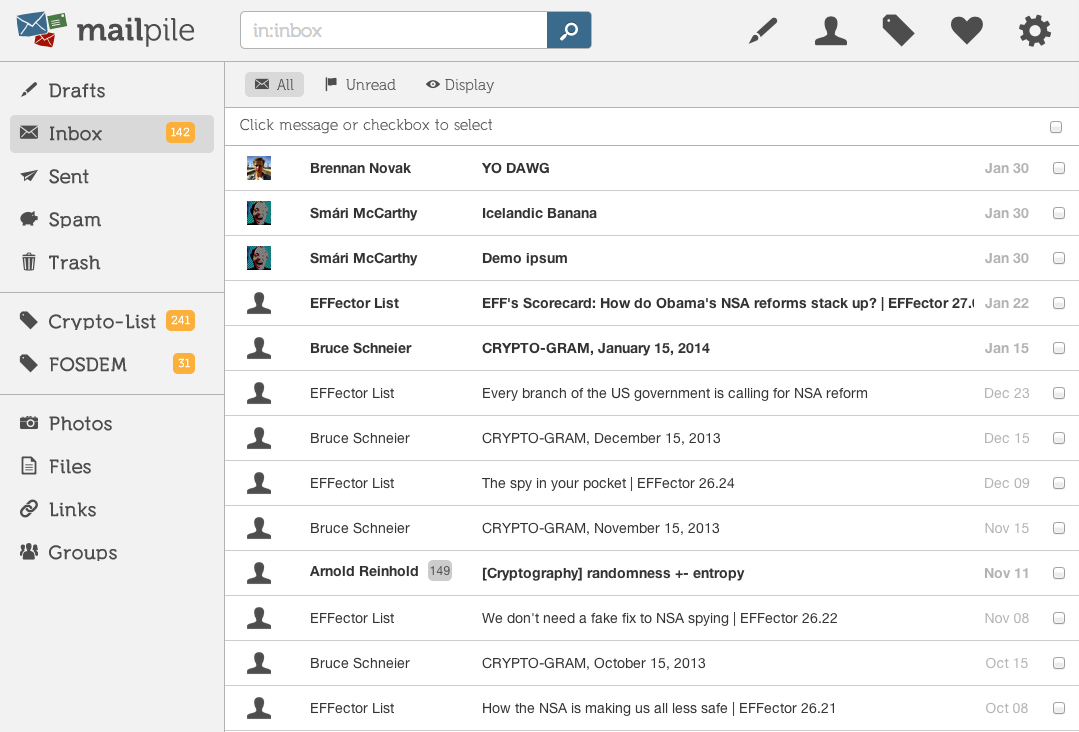
  • User Agents (clients)
  • Mail Servers
  • Simple Mail Transfer Protocol (SMTP)

Email Client: Wikimedia Commons

The SMTP Protocol: Message Types

  1. Commands
    • HELO: “Hi! Can I send you some mail?”
    • MAIL FROM: “This is the sender of the mail”
    • RCPT TO: “This is the recipient of the mail”
    • DATA: “Here is the message”
  2. Responses
    • 250 OK: “Yes, you can send me mail”
    • 354 Start mail input: “Go ahead, I’m ready to receive the message”
    • 550 Error: “No such user here”

The SMTP Protocol: Message Syntax


SMTP Message Envelope

S: 220 mail.westpoint.edu ESMTP Ready
C: HELO mail.example.edu
S: 250 Hello mail.example.edu
C: MAIL FROM:<bg.garcia@example.edu>
S: 250 OK
C: RCPT TO:<cadet@westpoint.edu>
S: 250 OK
C: DATA
S: 354 Start mail input; end with <CRLF>.<CRLF>

SMTP Message Content

From: Commandant <bg.garcia@example.edu>
To: Cadet Smith <cadet@westpoint.edu>
Subject: Update your password now!
Date: Mon, 8 Jan 2025 06:30:00 -0400
Message-ID: <123456@example.edu>
Return-Path: <gotcha@example.edu>

Cadet, update your password now or it's a brigade board for you!

westpoint.edu/update.html

.

The SMTP Protocol: Message Rules

  • Client initiates and sends one command at a time

  • Server responds to each command

    • Certain commands only valid following others
  • Data section

    • Headers follow the <header>: <value> format
    • Blank line separates headers from message body
    • Section ends with a <CRLF>.<CRLF>
  • SMTP only pushes mail to a server From mail client or another server

  • How do you ask the server for your mail?

    • Internet Mail Access Protocol (IMAP)

SMTP Phishing Example

netcat 10.0.0.25 25

HELO
MAIL FROM commandant@westpoint.edu
RCPT TO: cadet.smith@westpoint.edu
DATA
From: Com <bg.garcia>
Give me your password

.

Mystery Intensifies

  • Now we know how someone spoofed the email
  • But how did they create a page that does not exist?
  • To answer that, we need to understand DNS!

Domain Name System (DNS)​

https://www.akamai.com/glossary/what-are-dns-servers

But how does DNS really work?

  1. Browser: Where is www.example.com?
  2. Resolver: Who knows about .com
  3. Root Server: Here is your TLD server’s address
  4. Resolver: Who knows about example.com?
  5. TLD Server: Here is the authoritative server for example.com
  6. Resolver: IP address for www.example.com?
  7. Authoritative Server: 1.2.3.4
  8. Resolver: 1.2.3.4

https://www.cloudflare.com/learning/dns/what-is-dns/

DNS Cache

  • What is it?
    • Local name server stores recent mappings
    • Responds immediately to queries it can answer
  • How does it work?
    • Each mapping has a time-to-live (TTL)
    • After TTL expires, mapping is deleted
  • Why use it?
    • Improves response time
    • Reduces traffic to root and TLD servers

https://www.cloudflare.com/learning/dns/what-is-dns/

DNS Records

  • A (Address) Record: Maps a domain to an IPv4 address
  • AAAA Record: Maps a domain to an IPv6 address
  • CNAME (Canonical Name) Record: Maps a domain to another domain (alias)
  • MX (Mail Exchange) Record: Specifies mail servers for a domain
  • TXT (Text) Record: Holds arbitrary text data, often for verification purposes
  • NS (Name Server) Record: Specifies the authoritative name servers for a domain

Let’s dig into DNS!

resolvectl
dig westpoint.edu
dig apps.westpoint.edu
dig dev @b.root-servers.net
dig NS bhatia.dev @...
dig edu
dig github.com
dig AAAA github.com
dig MX westpoint.edu
dig CNAME cy350.bhatia.dev
dig NS cloudflare.com
dig @ns3.cloudflare.com cloudflare.com

Check on Learning!

  • What is the difference between SMTP and IMAP?
  • What are the main components of an email system?
  • Give an example of an SMTP command.
  • What is the purpose of DNS in Internet communication?
  • Why cache DNS lookups?
  • What does an MX record do?
  • What is the difference between an A and AAAA record?
  • What is CNAME?

Practice with Wireshark

Pick one of the following packet capture files and locate the DNS request and response messages using Wireshark or Wireview

  • What fields are in the DNS request?
    • Identification
    • Flags
    • Questions
    • Answers
    • Authority
    • Additional Information
    • Additional RRs
    • Queries
  • What is the source port for the DNS request? What is the destination port?
  • To what IP address is the DNS query message sent?
  • Does the response have different fields?
  • Examine the DNS response message. How many answers does it contain?